Vehicle Shop Storage V1.0.0.1
Vehicle Shop Storage V1.0.0.1
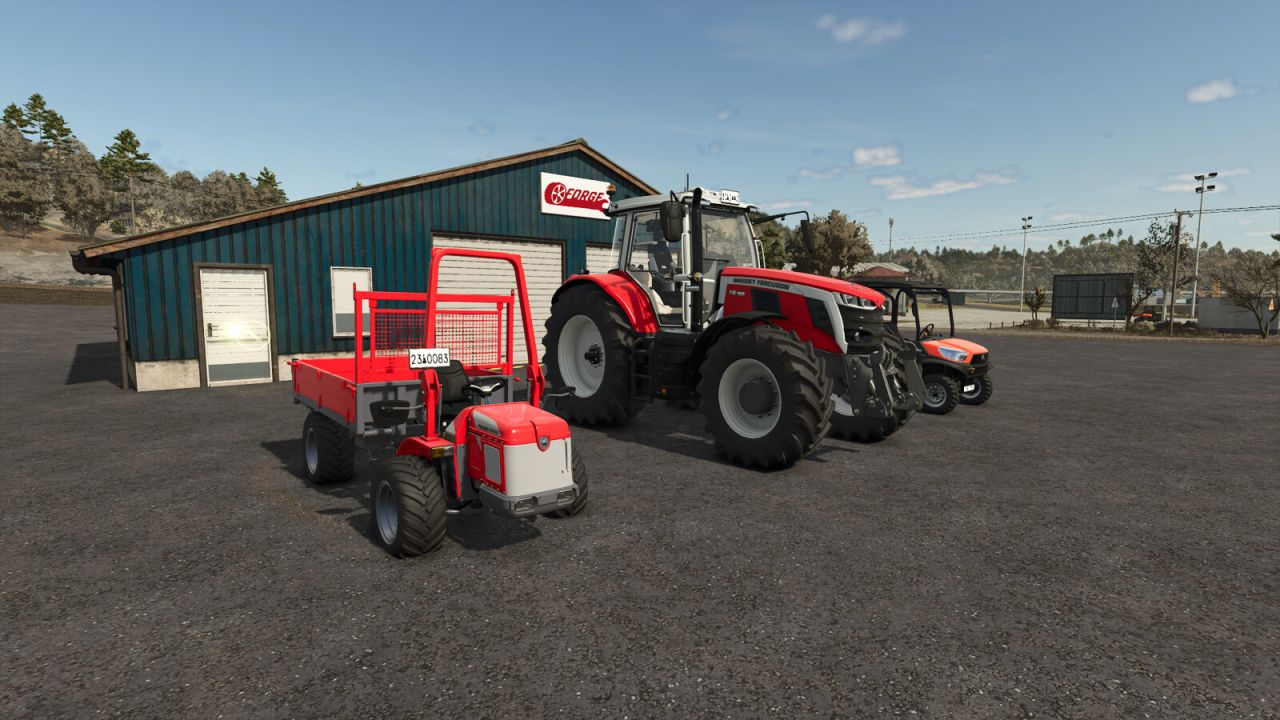
Easily store and manage your vehicles and equipment at any repair shop you own or have access to.
Features & Benefits
– Save Game Resources – Vehicles placed in storage are removed from the game, helping improve performance.
– Access from Any Repair Shop – Store or retrieve vehicles from any repair shop you own or have access to.
– Affordable Storage – Each vehicle or piece of equipment costs $100 per piece to store.
How It Works
– Storing a Vehicle
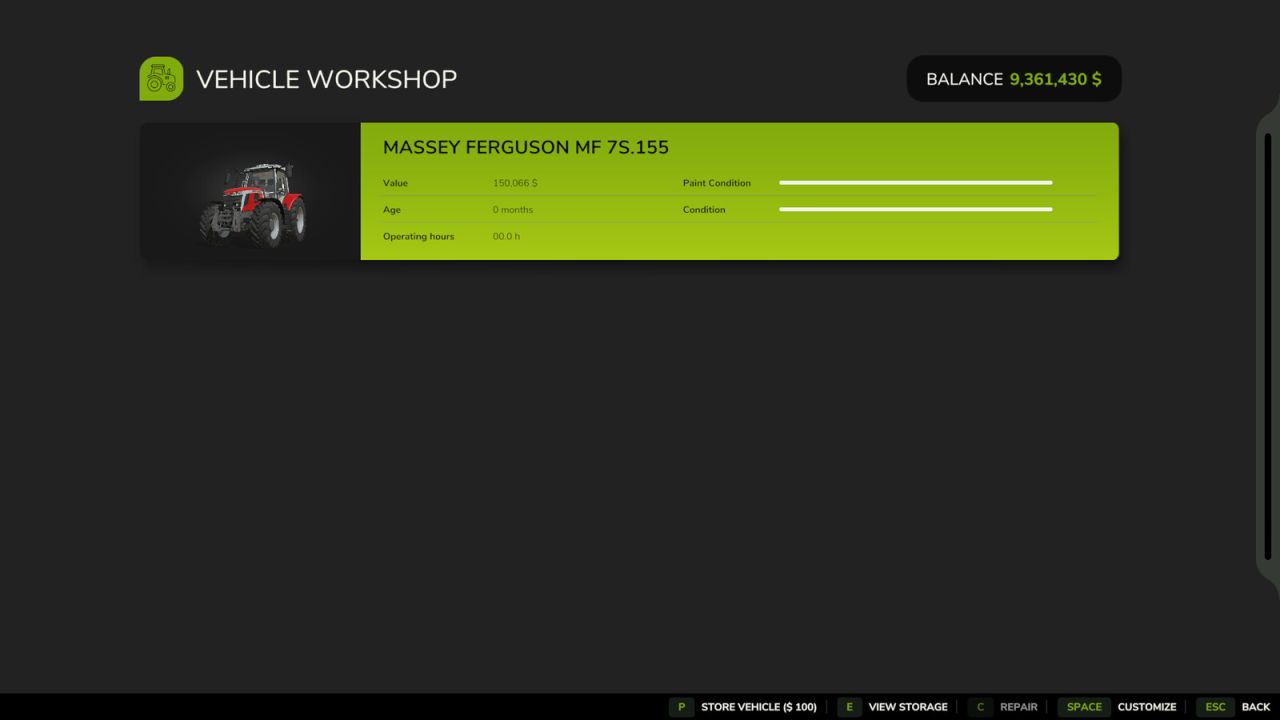
– Walk up to any workshop trigger, just like when repairing a vehicle.
– Open the repair menu to see all vehicles within the repair trigger.
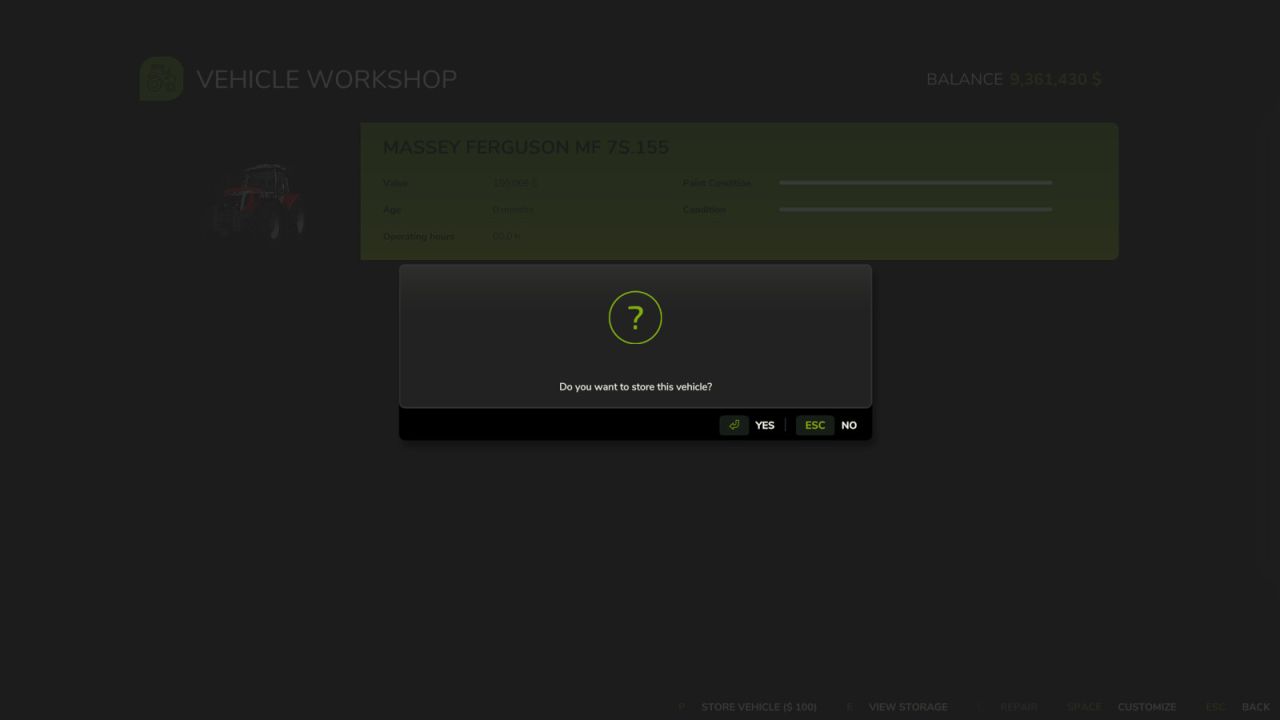
– Select “Store Vehicle” to remove it from the game and place it in storage.
– Retrieving a Vehicle
– Open the repair menu at any repair shop.
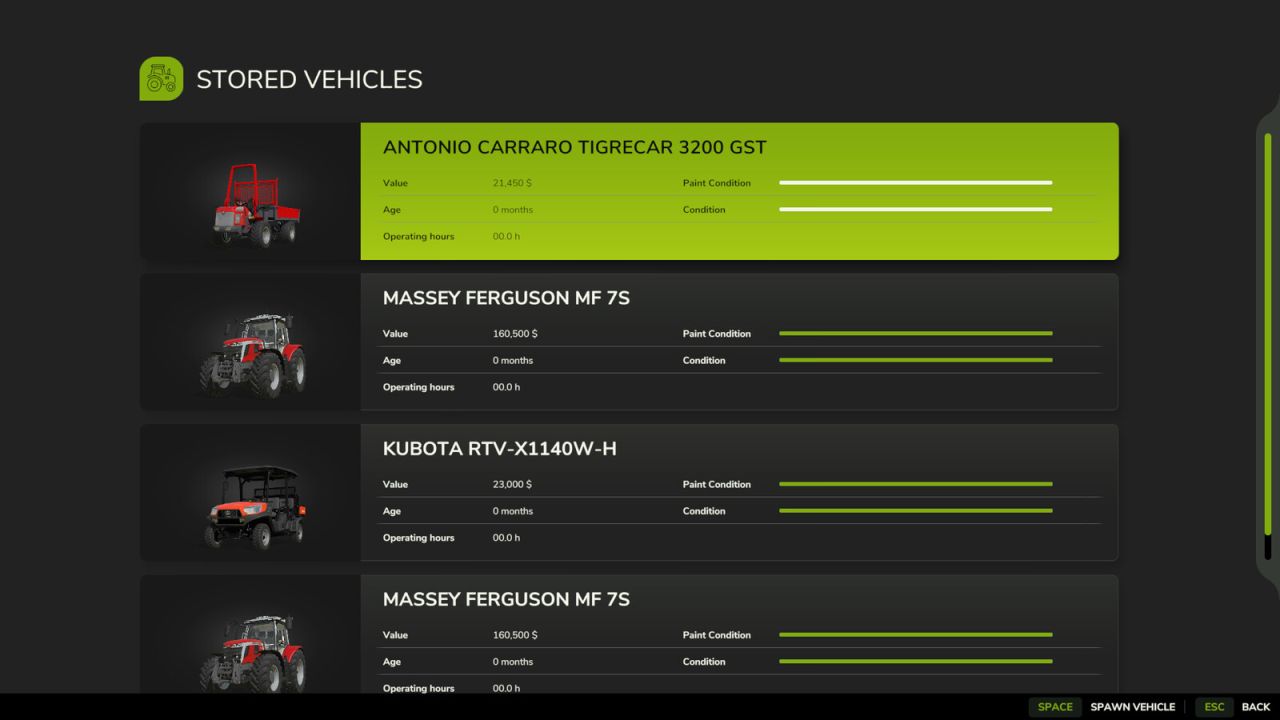
– Select “View Storage” to see a list of stored vehicles.
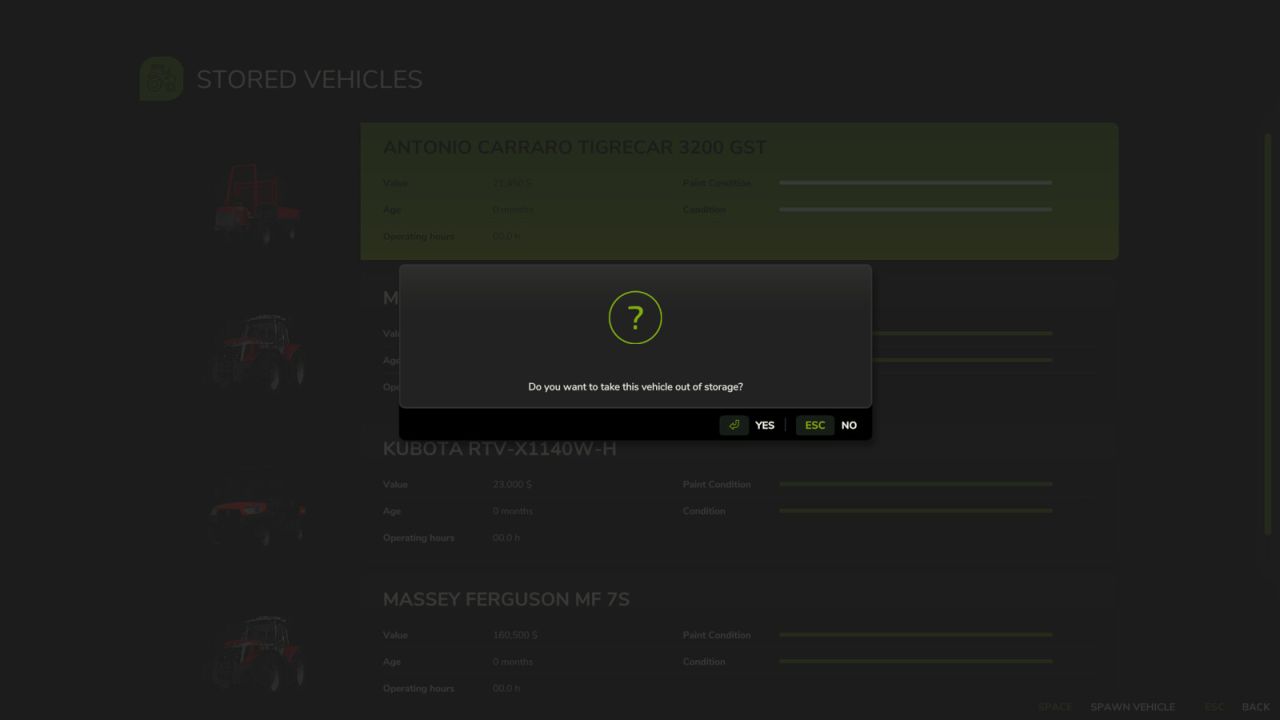
– Choose a vehicle to spawn it back into the game.
Additional Features
– Cross-Save Storage (Single Player)
– Vehicles can be stored in one savegame and retrieved in another.
– Example: Store a vehicle in Savegame 3 and retrieve it in Savegame 1.
– Multiplayer Compatibility
– Only the farm that stored the vehicle can retrieve it.
– Requires Farm Manager permissions to spawn stored vehicles.
– Vehicle Condition is Remembered
– Damage state is preserved – if you store a damaged vehicle, it remains damaged when retrieved.
– In most cases, trailers and tanks will retain their fill levels (e.g., crops, liquids), but some exceptions exist.
– Best Practice: Store trailers and tanks empty to avoid product loss.
Note: If there is not enough room to spawn a vehicle at the workshop the vehicle will spawn to the main store location much like when reset in game.
V1.0.0.1
– Fixed issue with stored mods when removed.
Author: FSG Modding – FSG DaVaR