Canadian radio stations V1.0
Canadian radio stations V1.0
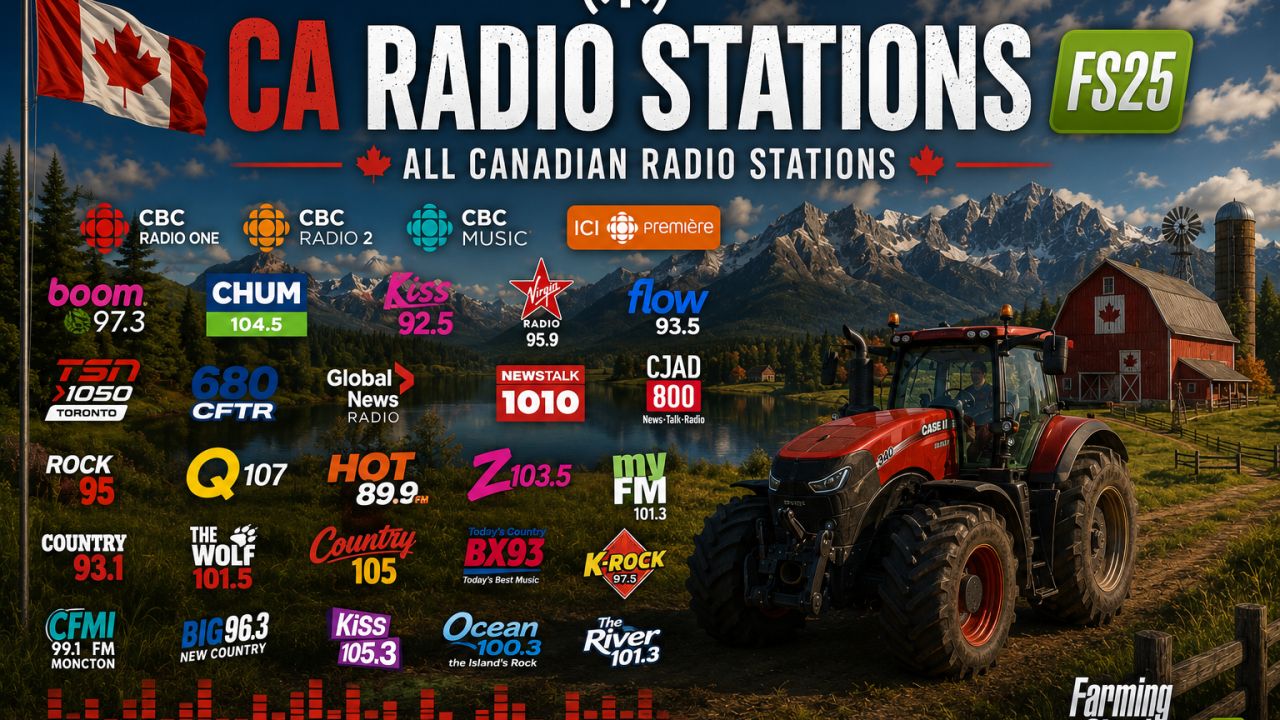
This mod adds a large collection of Canadian radio stations to Farming Simulator 25. It includes the most popular national and regional radio stations, as well as a variety of themed music channels. Enjoy the rhythm of Canada while mowing, sowing, and harvesting!
LIST OF RADIO STATIONS:
1. RdMix Classic Rock 70s 80s 90s
2. #100 BEST IBIZA DEEP HOUSE
3. AIRPORT LOUNGE RADIO
4. MISSISSIPPI BLUES
5. RdMix DJSET 70s 80s 90s
6. RdMix Italo Disco 80s
7. 70s 80s 90s RdMix Network
8. ICI Radio-Canada Première Montréal
9. #100 GREATEST HEAVY METAL
10. #100 GREATEST JAZZ LOUNGE BAR
11. CFIX-FM
12. REGGAE CHILL CAFE
13. CBC Radio 1 Toronto
14. ChroniX Radio Metalcore
15. CHOI 98.1 Radio X Quebec City
16. ICI Musique – Montreal, QC
17. Radio Canada Ici Musique – Montréal, QC
18. BPM sports 91.9
19. ICI Première – Montreal, QC
20. Radio Canada Ici Première Quebec City, QC
21. Addictive-50s – Golden oldies
22. Labgate
23. Radio Canada Ici Musique – Québec City, QC
24. CBC Radio One – Toronto, ON (MP3 stream)
25. CBC Music Pacific
26. CBC Music Atlantic
27. Jazz.FM91
28. ICI Radio-Canada Première Edmonton – 90.1 FM (CHFA-FM)
29. QUB Radio
30. Squirrel FM
31. Calm Radio – Gregorian
32. CJCL Sportsnet 590 The Fan
33. Business News Network Audio Channel
34. Gritty Rock Radio
35. American Roots Radio
36. CILQ 107.1 Q107 Toronto
37. CKFX-FM
38. Uturn Radio
39. JB Radio-2
40. TECHNO FM
TOTAL: 40 radio stations
INSTALLATION INSTRUCTIONS:
1. Download the streamingInternetRadios.xml file from this mod.
2. Navigate to the following folder on your computer:
Documents/My Games/FarmingSimulator2025/music
Note: If the “music” folder does not exist, create it manually.
3. REPLACE the existing streamingInternetRadios.xml file with the downloaded one. If the file does not exist yet, simply copy it into the folder.
4. Start Farming Simulator 25.
5. Open the radio menu and enjoy Canadian radio stations while farming.
IMPORTANT NOTES:
The mod does NOT replace the default radio stations. They will still appear in the list.
All stations are online streaming. An active internet connection is required.
If a station does not play, the stream link may be temporarily unavailable. This is not a mod error.
Author: VIS