Fliegl Timber Runner Limited Edition v1.0
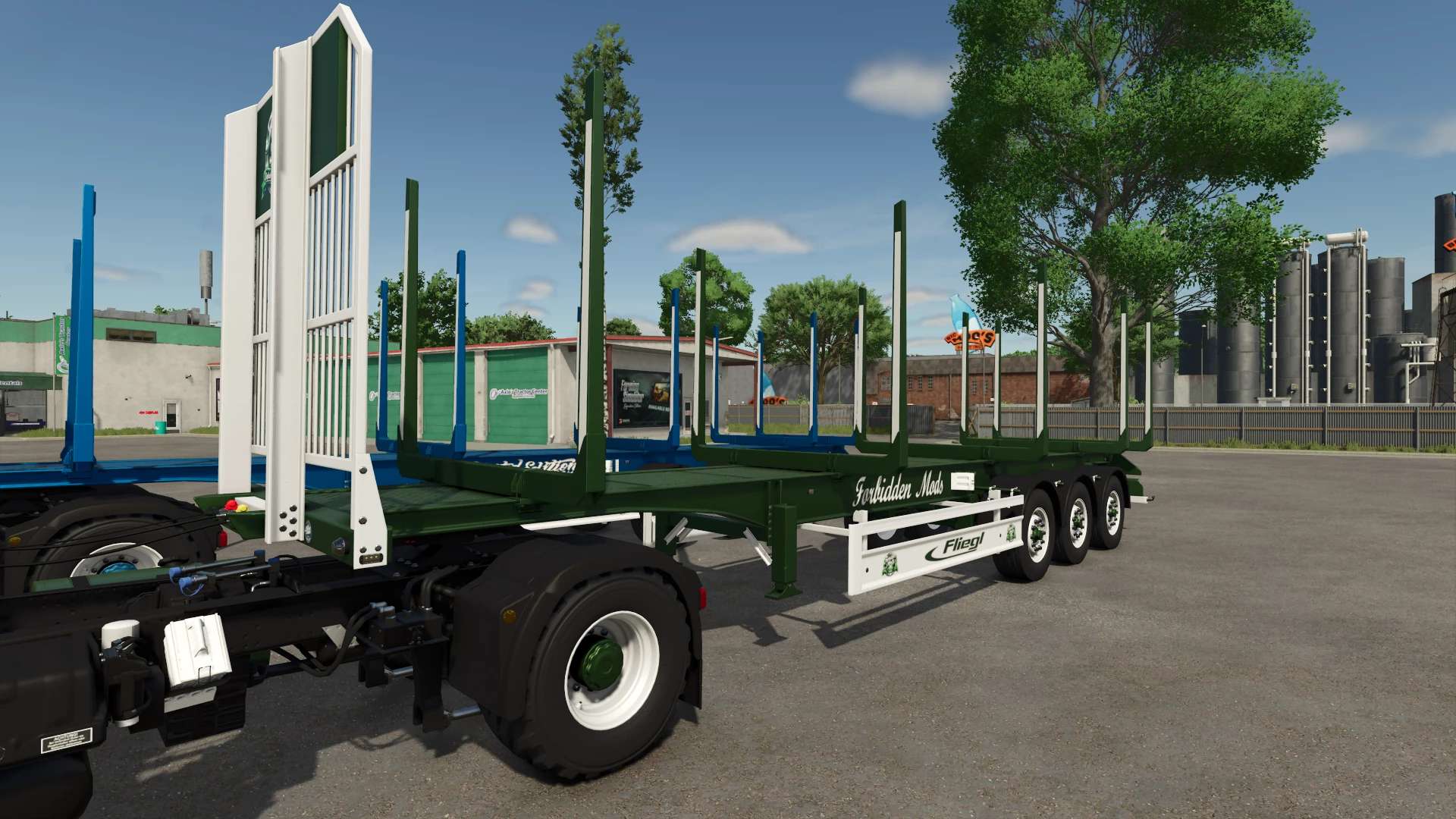
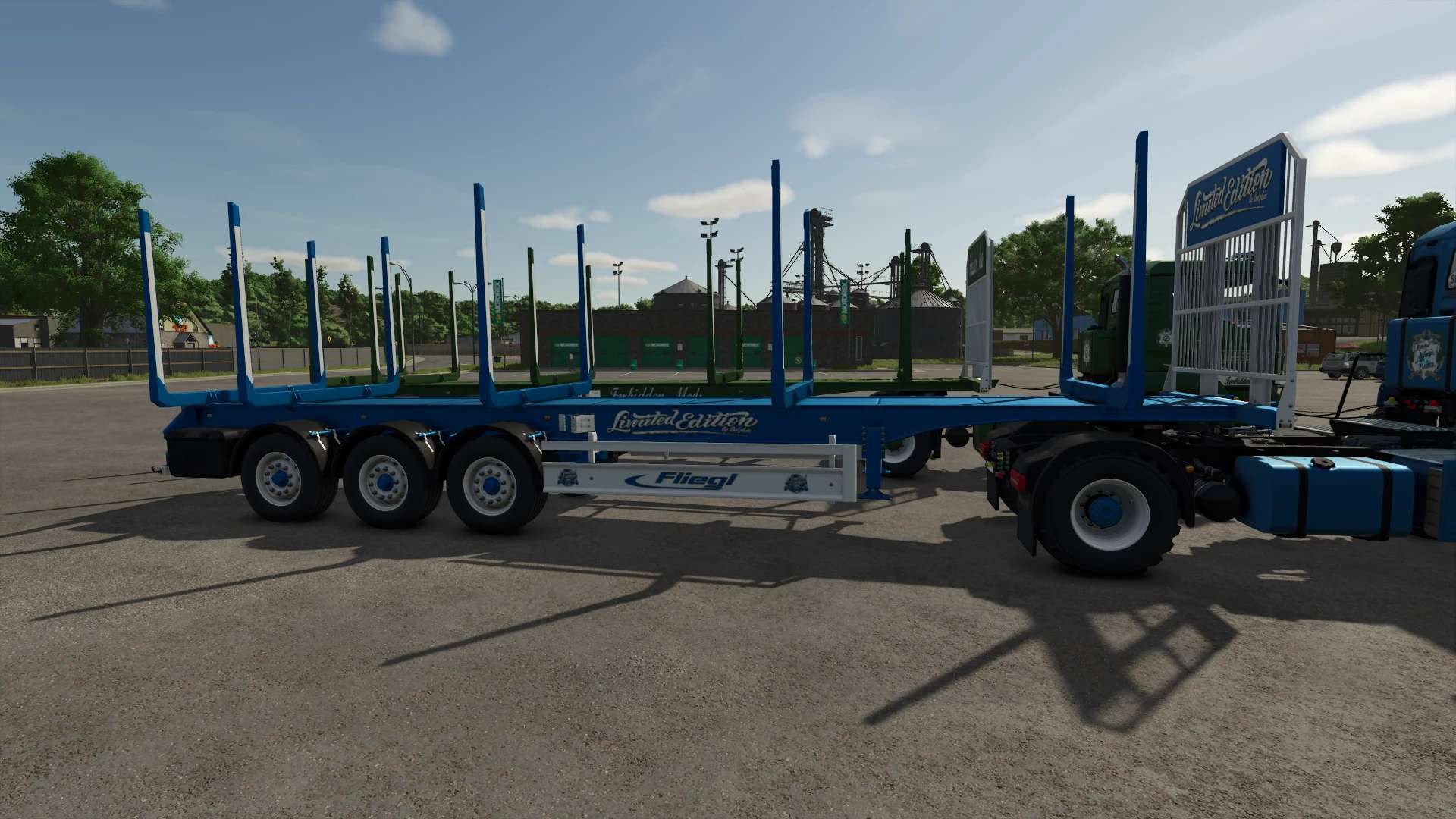
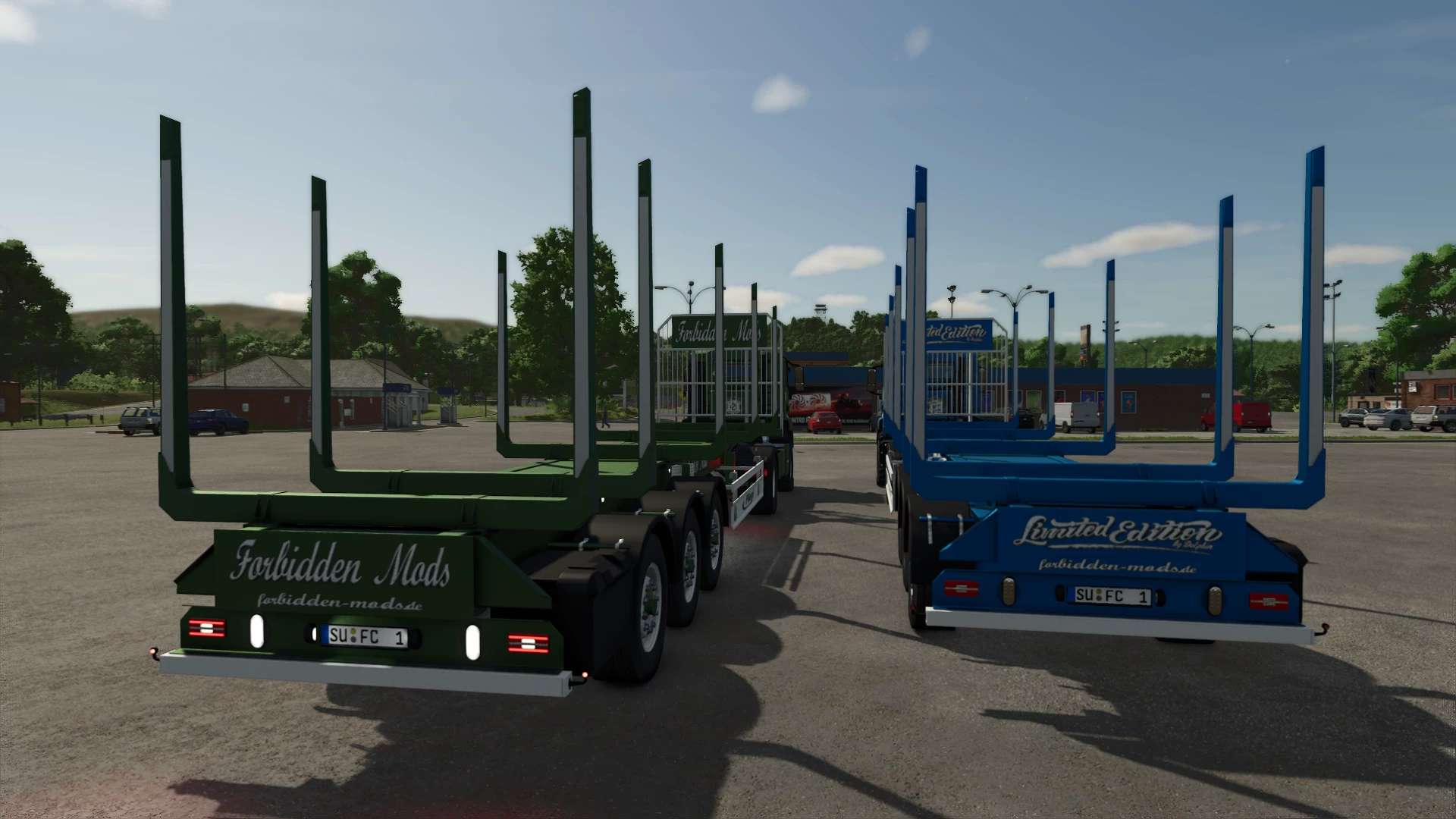
Fliegl Timber Runner Limited Edition v1.0
Since I received permission from kenny456 today, I can now offer you the Timber Runner 12 Limited Edition.
A huge thank you again to kenny456!
This is the Timber Runner from kenny456’s pack with autoload.
Configurations are free.
TestRunner public 0.9.18 checked
Shop category: Timber Transport
Price: 35000
Lights replaced
Side lettering selection
Underride guard logo selection
Grid wall lettering and logo selection
Rear lettering selection
Color selection for main color, design color, underride guard with grid wall, stakes, stake reflector, Fliegl decal, lettering color, and rim color
Increased repair interval
Description from kenny456:
– Additional stakes that can be folded in and out when loading short logs onto 3 or 4 stacks (15- and 20-meter trailers).
– Tow hitch for trailers and bottom hitch on all trailers
– Autoload script edited (logs are now sorted into stacks)
– You can change the number of log stacks on your trailer from 1 to 4
– You can manually switch between stacks
– You can display the unloading area to see where the logs will be unloaded
– You can show the loading area to see the current stack
– The unloading area can be moved, resized, and rotated
– The number and total weight of the loaded logs are now displayed in the F1 menu
– All controls can be set in your input bindings
– You can enable/disable F1 help It is stored as a global file in the XML configuration file.
12m trailer: 1 stack up to 12m, 2 stacks up to 6m, or 3 stacks up to 4m
Default controls:
KEY_X – Fold/unfold additional stakes (15m and 20m trailers)
KEY_B – Start autoload
KEY_Y – Start unloading
KEY_O – Switch side (left/right)
KEY_KP_enter – Change the number of stakes
KEY_KP_period – Switch to the next stack
KEY_lctrl KEY_KP_minus – Move unloading position
KEY_lctrl KEY_KP_plus – Change the size of the unloading position
KEY_KP_0 – Rotate the unloading position
KEY_KP_multiply – Show/hide the loading position (current stack)
KEY_KP_divide – Show/hide the unloading position
KEY_lctrl KEY_t – Show/hide F1 help controls (in XML configuration file) (Saved)
Important Notes
No alternative or direct links are permitted.
Uploading or redistributing this mod on other websites or file-sharing services is prohibited.
Author: Dolphin