Income Mod V2.1.3
Income Mod V2.1.3
V2.1.3
Bug fix release.
V2.1.2.0
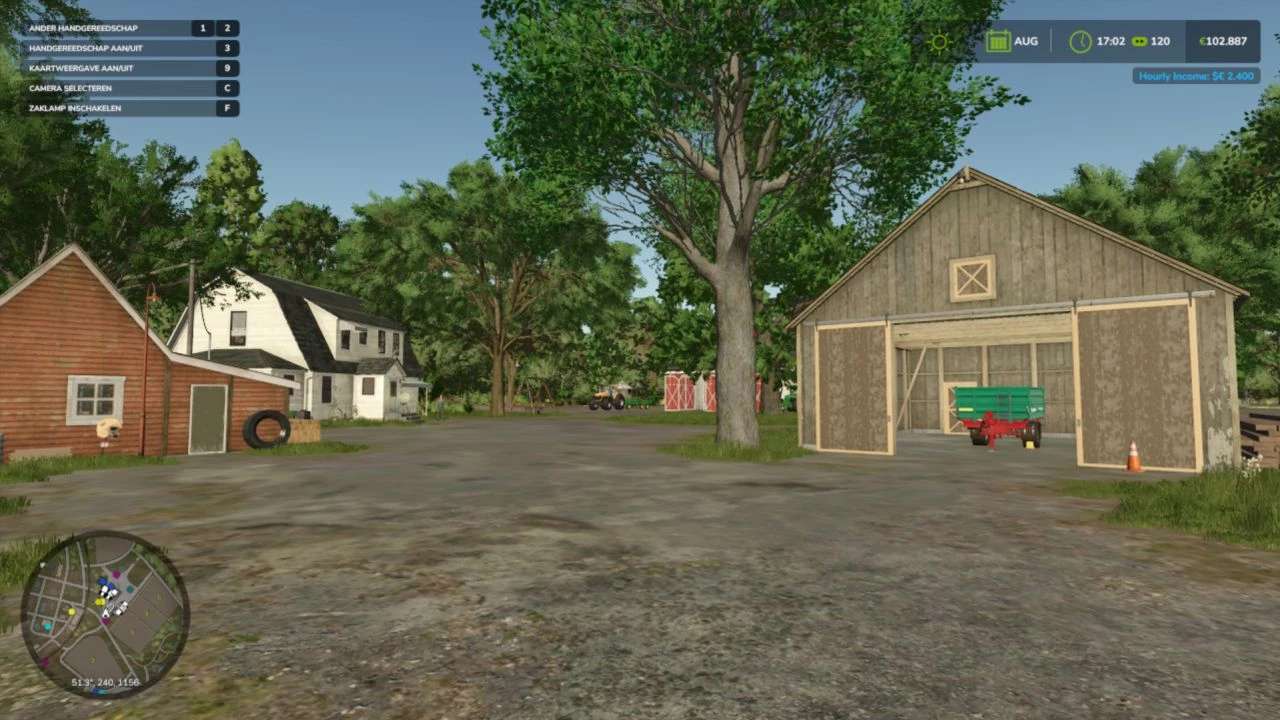
– The income panel can now be moved and resized to fit wherever you want it on screen. Right-click the panel to enter edit mode, drag it to a new position, drag a corner handle to scale it up or down, then right-click again to lock it in place. Your layout is saved between sessions.
– Colors updated to match FS25’s native panel style (dark, clean,
no green border)
Toggle visibility still works the same way via the I key.
No save migration needed.
V2.0.0.4
– Fixed `MoneyType` crash (income never paid)
V2.0.0.3
– Fixed mod not loading due to wrong ZIP building inside the build.sh
V2.0.0.2
– HUD toggle desync fix
– Added missing showHUD field to the console settings
– Added explicit override that calls updateDisplay() on every open
– Removed stray double blank lines
V2.0.0.1 Hotfix: Payment Notifications
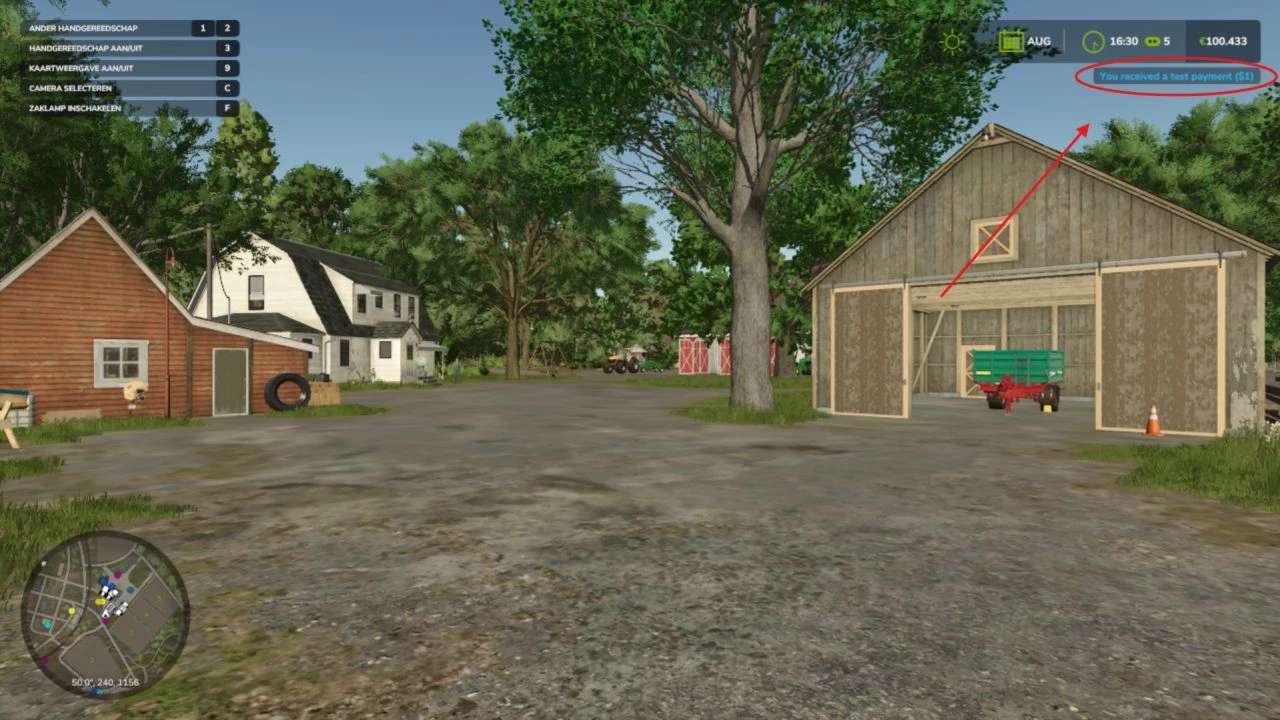
Fixes a crash that occurred every time an income payment fired.
Bug
FSBaseMission.lua:2472: attempt to index nil with ‘id’ — the game’s update loop crashed because hud:showBlinkingWarning() internally accesses a value that can be nil at runtime.
Fix
Replaced both notification calls (payment + startup) with the correct FS25 API:
g_currentMission:addIngameNotification(FSBaseMission.INGAME_NOTIFICATION_OK, message)
Notifications now display correctly without errors.
Changes
src/IncomeSystem.lua — payment notification
src/IncomeManager.lua — startup notification
Closes #2
V2.0.0.0
Added **seasonal income modifiers** (Spring 0.8x, Summer 1.0x, Autumn 1.2x, Winter 0.7x) with optional toggle in the settings UI
Added **selectable income multipliers** (1x / 2x / 5x / 10x) in settings UI and via `IncomeSetMultiplier` console command
Added **per-farm multiplayer support** — each active farm now earns independently
Added **income state persistence** — `lastHour` and `lastDay` saved to `_state.xml` to prevent missed or duplicate payments after reload
Added **payment history tracking** — `IncomeHistory` console command shows last 10 payments (day, hour, amount, seasonal modifier)
Added **next payment timer** — `IncomeNext` console command displays time remaining until the next payout
Added missing **`IncomeSetDebug` console command** for toggling debug mode
Fixed critical **multiplayer duplicate payment bug** by adding a server-only guard in `giveMoney()`
Fixed duplicate startup notification (was triggering from both IncomeManager and IncomeSystem)
Fixed global namespace pollution from `getTextSafe` (moved to `UIHelper.getText()` module method)
Fixed debug print leak in `UIHelper.lua`
Fixed incorrect startup tip text (now shows: `Type ‘income’`)
V1.1.0.0
– Rewrote entire code
– Changed entire command list
– Added new settings tab in the pause menu
– Changed notification style
– Optimized current code
– Added support for: de, fr, pl, es, it, cz, br, uk, ru
V1.0.1.0
– Fixed console error
V1.0.0.5
[Critical Hotfix]
– Updated settings save & load function*
*In FS22 we store modSettings in user game path, in FS25 they want it to be stored in savegame folder.
I was not aware of that, this is now fixed.
Income Mod provides players with a simple, balanced way to receive passive income. Automatically earn money either hourly or daily, based on your chosen difficulty or a custom amount. Perfect for players who want steady cash flow without relying solely on missions or selling goods.
Features:
– Easy / Normal / Hard difficulty presets
– Custom income amount option
– In-game notifications
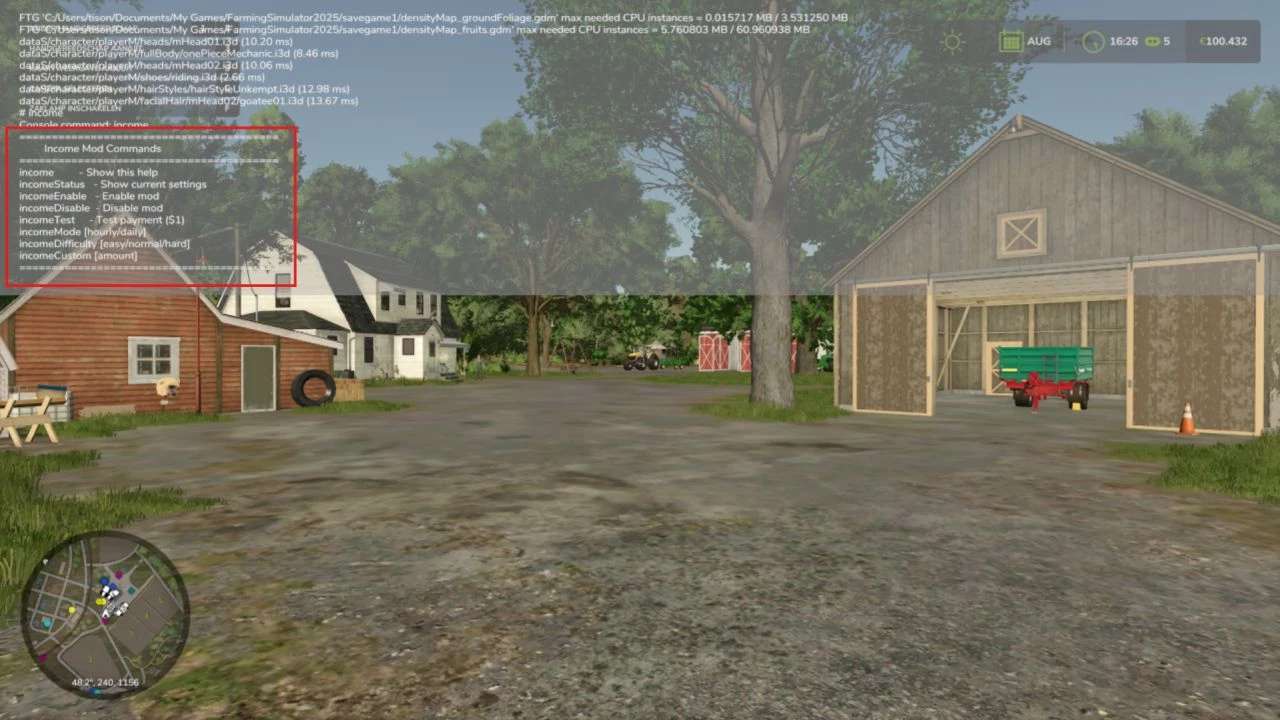
– Fully configurable via console commands
– Settings saved automatically to XML
– Works in singleplayer and multiplayer
– Lightweight and stable
Please be aware:
You need to have developer mode enabled in order for you to open the console.
This can be done in your FS game folder, then look for the “game.xml”.
Change <development><controls> to “true”
Enjoy you farming experience with my Income Mod <3
Author: tisonK