Mini Map Layer V1.0.2
Mini Map Layer V1.0.2
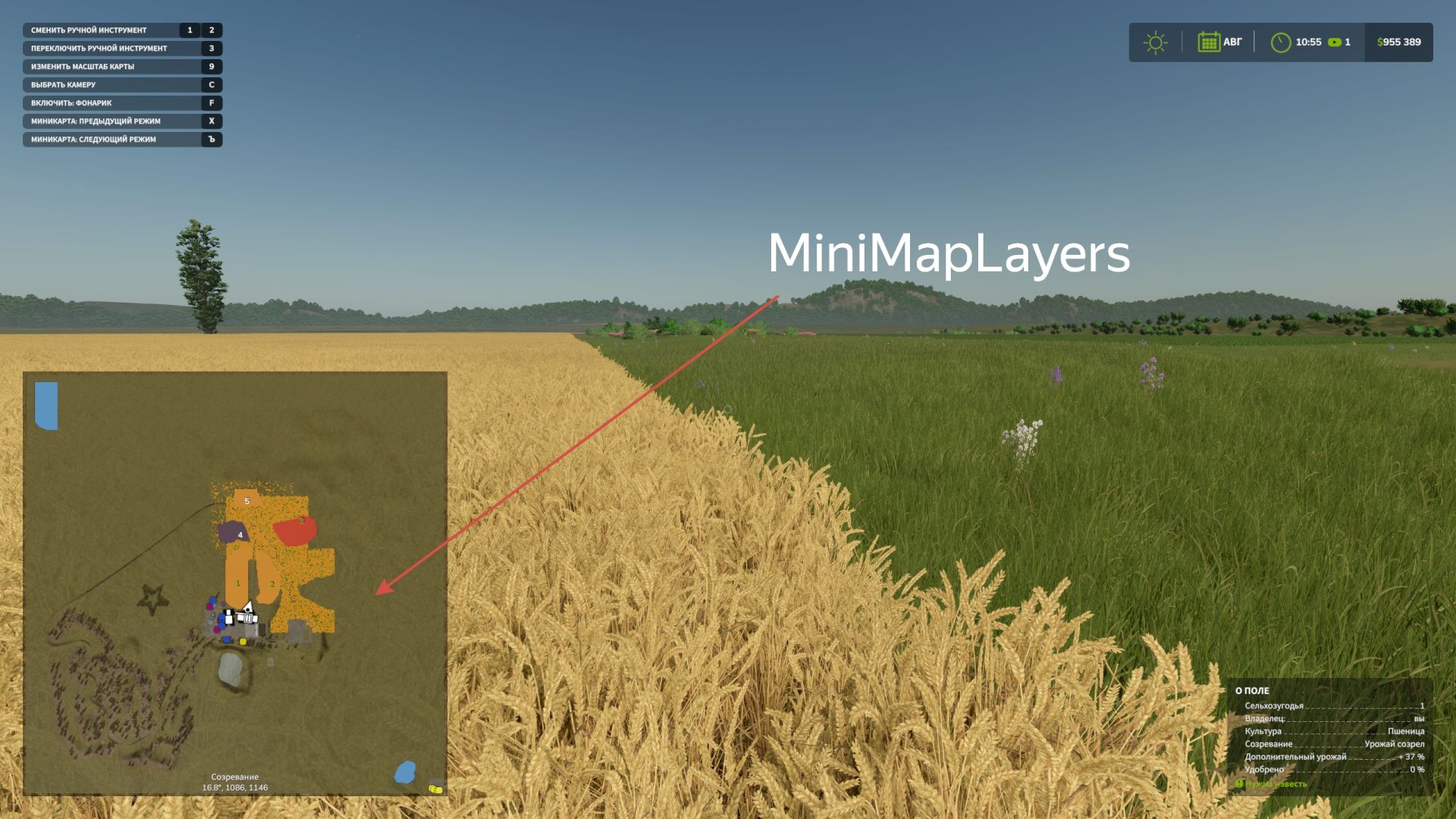
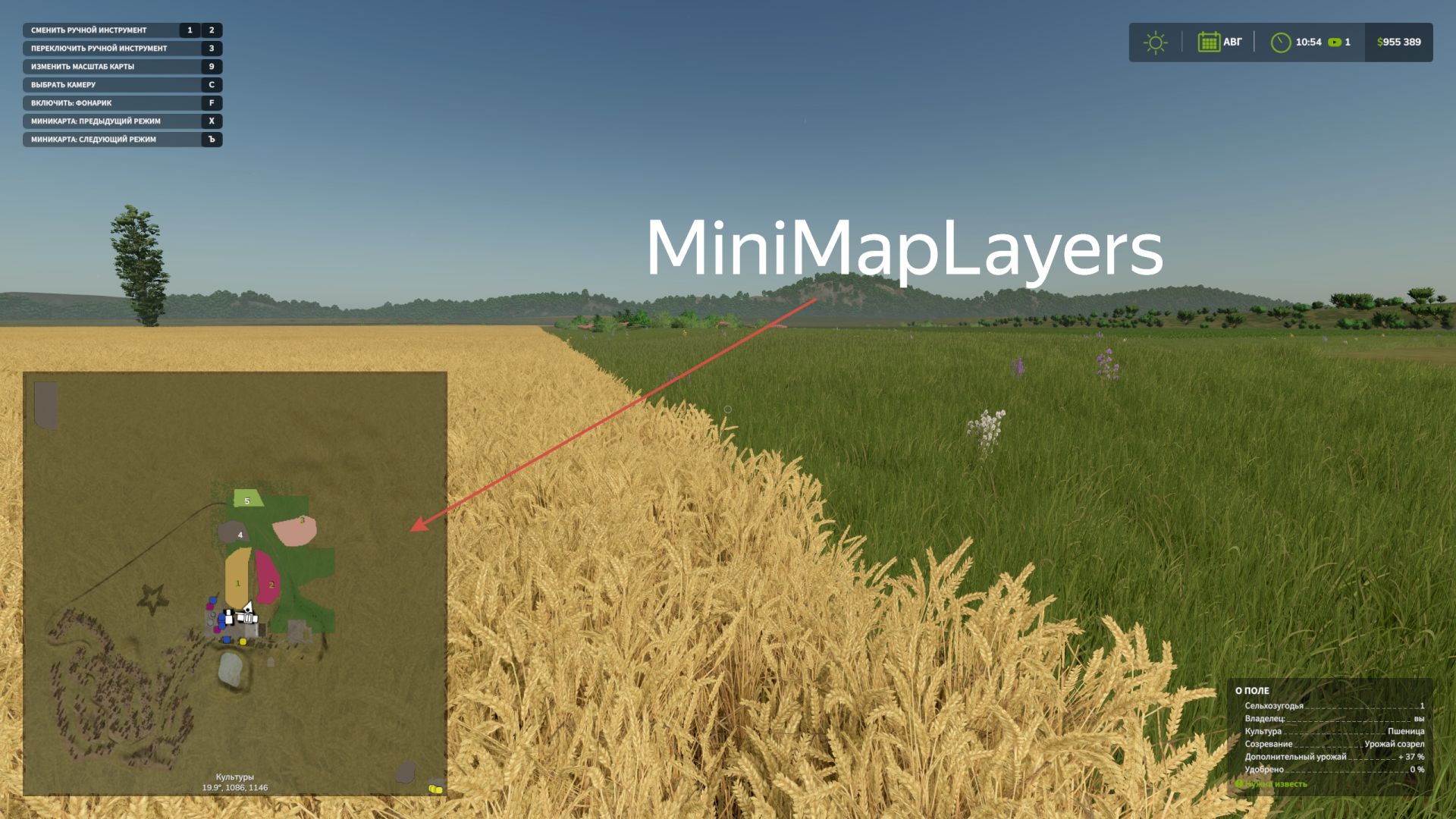
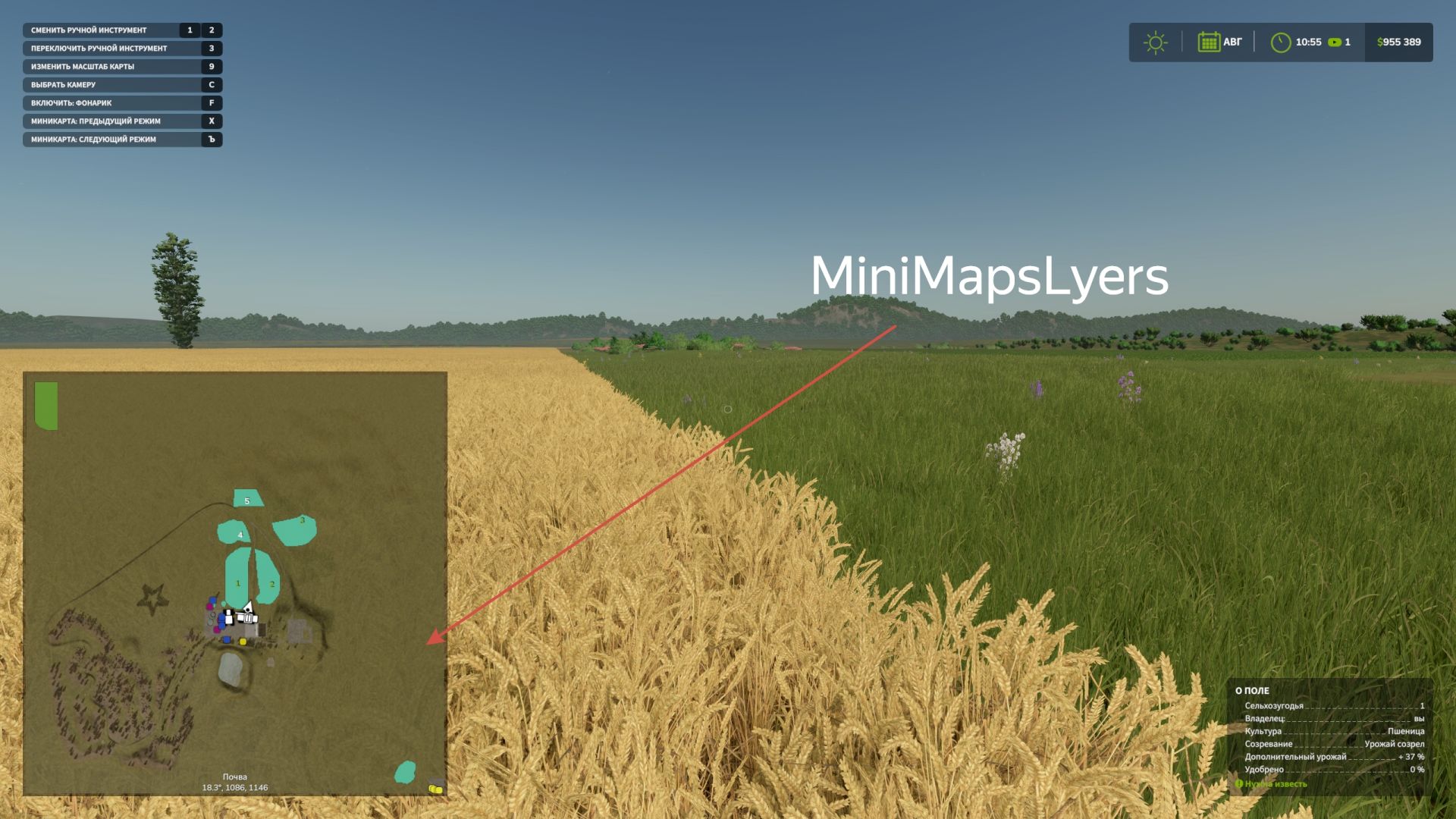
Mini Map Layers adds advanced mapping layers directly to the Farming Simulator 25 HUD minimap.
Now you can see crops, growth stages and soil conditions right while working in the field without opening a PDA card.
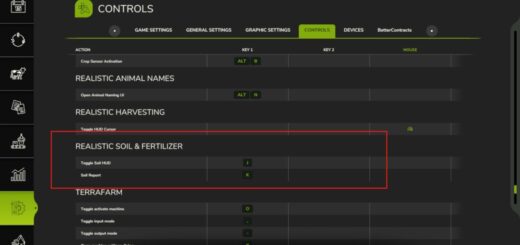
Switching minimap modes is done using hot keys (assigned in the control settings).
Default keys:
] = next layer, [ = previous layer.
alt+] = zoom in, alt+[ = zoom out
V1.0.2.0
Added the ability to zoom in and out of the minimap (alt+] = zoom in, alt+[ = zoom out)
Keys can be changed in control settings
Author: BMProd